Set up before tonight's class
No spreadsheet to fill in. If your gym has a website, JitsFlow reads it for you.
Paste your website
JitsFlow reads your timetable, coaches, rates, contact details and logo, including timetables posted as images. You check everything before it's saved.
Send the invite
Share your gym's join link on WhatsApp. Students sign up in under a minute and land in your gym.
Students book
They see the week's classes, book a spot, join a waitlist or book a private lesson. You see who's coming.
What you get
Timetable and bookings
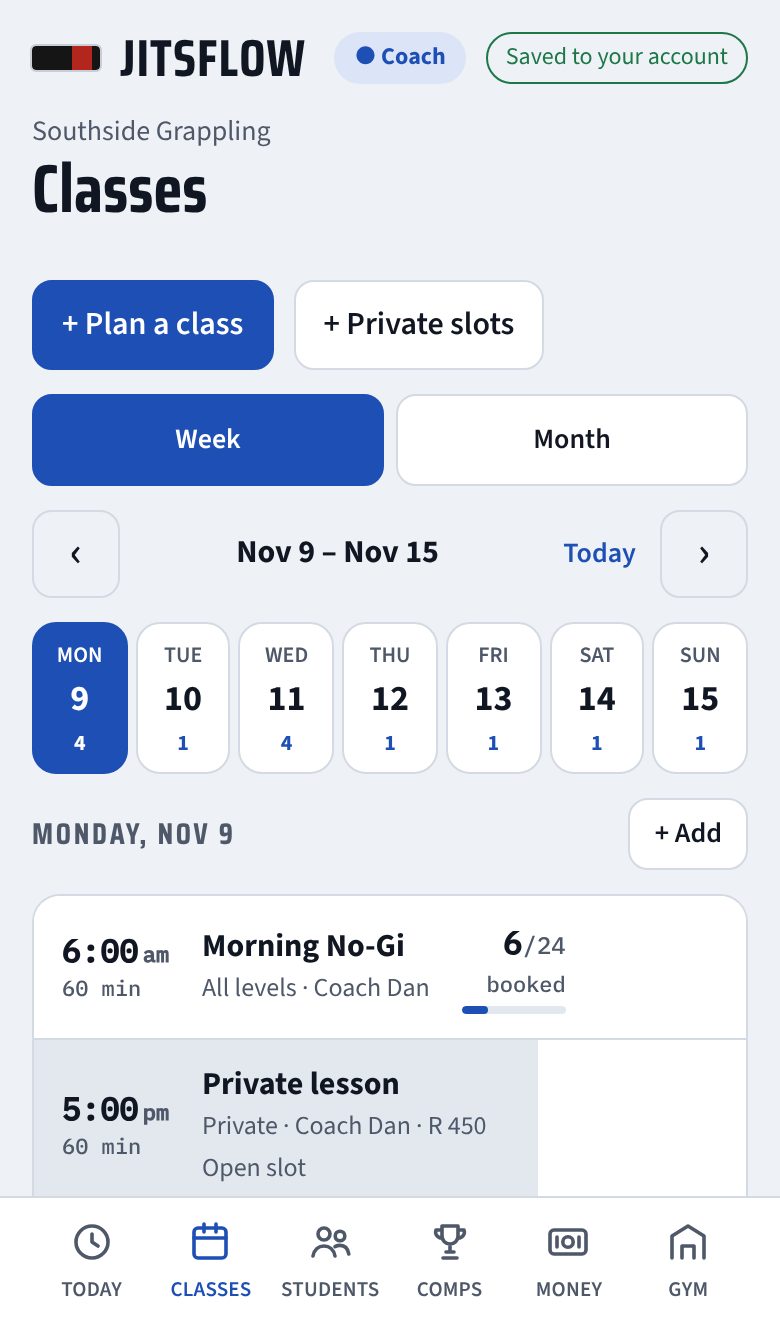
- Week and month calendar. Plan a class once and repeat it weekly, or copy a whole week forward.
- Set a spot limit per class. When it's full, students join a waitlist, and they're moved in and emailed when a spot opens.
- Private lesson slots with your price. Students book them like a class.
- Cancel a class and everyone booked gets an email.
- Students check in when they arrive, or you mark attendance after class.
Who's training, and who's gone quiet
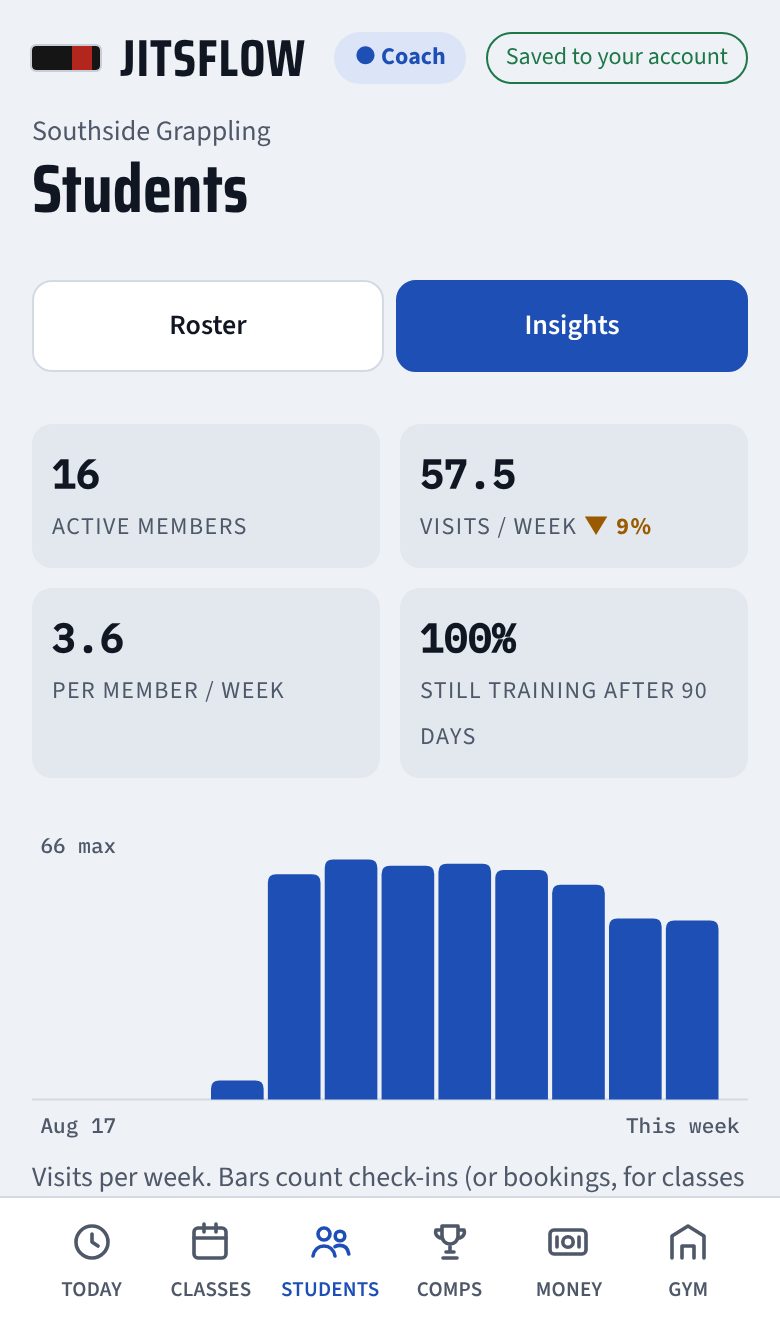
Visits per week over the last three months, your regulars, and the students who used to come twice a week and haven't been in for a fortnight. Message them from the same screen before they quietly cancel.
- Busiest and emptiest class slots
- How many new members are still training after 90 days
- Who might be ready for a stripe or belt review
Memberships and fees
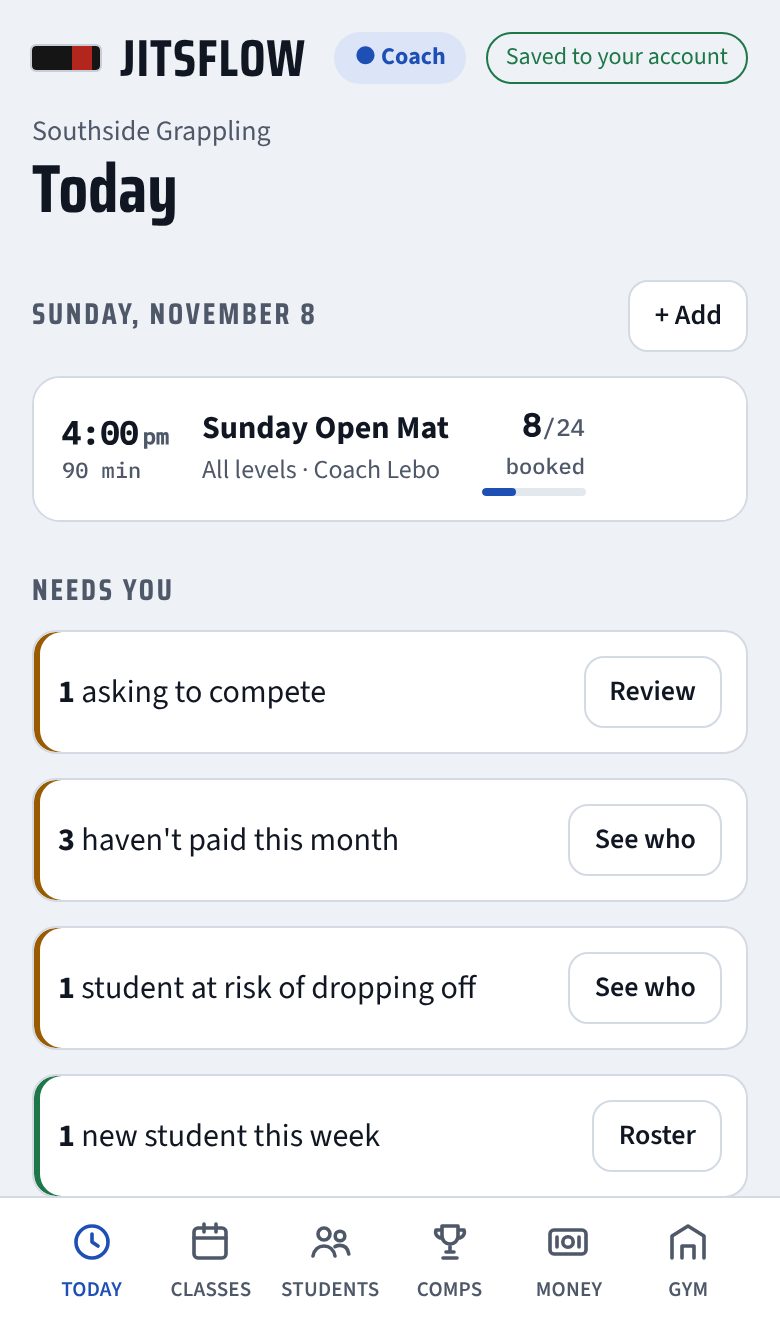
Set up your plans, like Unlimited or 2x a week, and put each student on one. A 2x-a-week member can't book a third class that week. Record EFT and cash payments, and Today shows who hasn't paid this month.
JitsFlow doesn't take card payments. Money still goes straight to you, the way it does now.
Your competition team
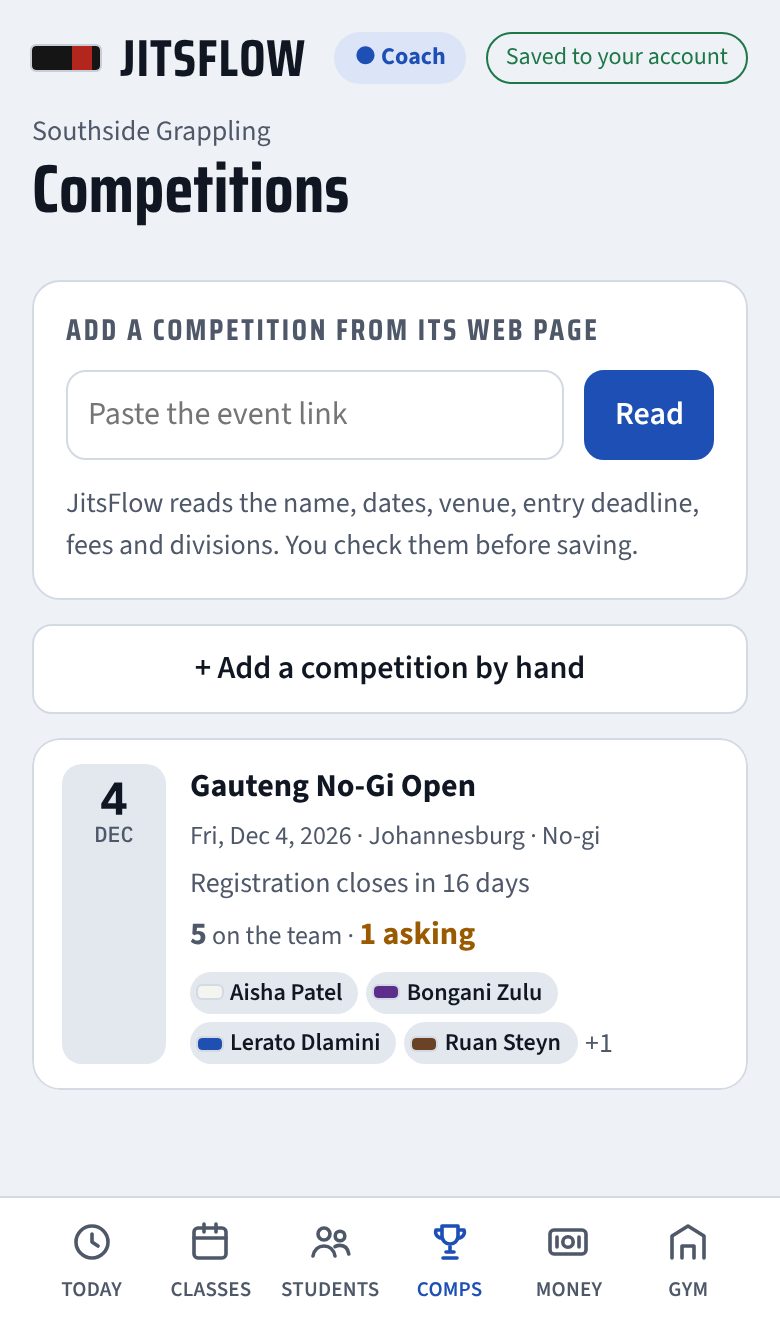
Paste the event page and JitsFlow reads the name, date, venue, entry deadline, fees and divisions. Students ask to enter from their phones, you approve them, and you track divisions, who has paid the entry fee, and results.
WhatsApp, already written
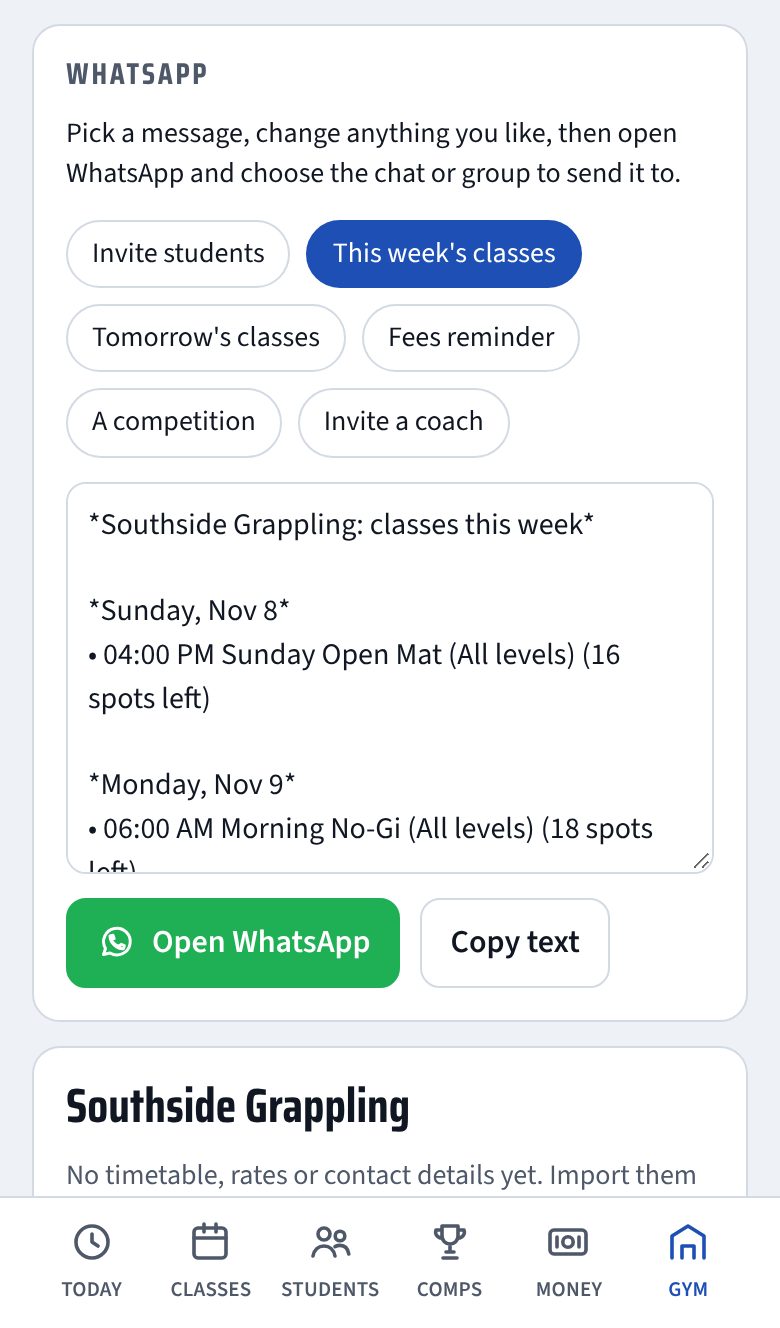
Pick a message and JitsFlow fills it in from your timetable: this week's classes with spots left, tomorrow's classes, a fees reminder, a competition with your team list, or an invite with your join link. Change anything, then send it to your gym group.
What your students get
The same app they book with is a no-gi study guide. They go over what you taught between classes instead of forgetting it by Thursday.
Book in two taps
See the week, book or cancel, join a waitlist, and see who else is coming if you allow it.
Study what you taught
137 techniques with steps, common mistakes, drills and videos, plus a map of every position and what to do next.
Their own progress
Their membership, classes used this week, upcoming competitions and a training log.
Do students have to download an app?
No. They open your invite link in Safari or Chrome and can add it to their home screen. It opens full screen like any app, and the study parts work offline.
Do I have to type my timetable in?
Not if it's on your website. Paste the link and JitsFlow reads your classes, times, coaches and rates, and you check them before saving. You can also add classes by hand, repeat them weekly and copy a week forward.
Can other coaches help run it?
Yes. Send them the coach invite from the Gym tab. Keep that link private: anyone who has it joins as a coach.
Can students see who else is booked?
Only if you turn it on. It's one switch in the Gym tab.
Does JitsFlow take payments?
No. Students pay you the way they do now. You record payments in JitsFlow and see who's behind.
Where is the data kept?
On servers in Frankfurt, Germany. Students can delete their account and data themselves in Settings. See the privacy notice.
Is it only for no-gi?
The booking, membership and competition tools work for any gym. The study library is no-gi, and most of it carries over to the gi.
Start with your website
Start your gym, paste your website's link, and check what JitsFlow reads in. You can have your timetable up before tonight's class.
Start your gymQuestions? [email protected]